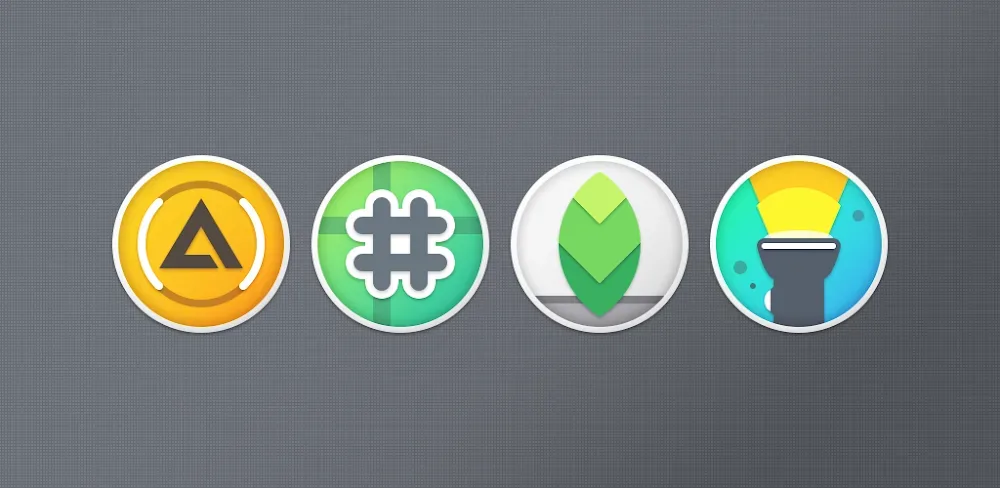
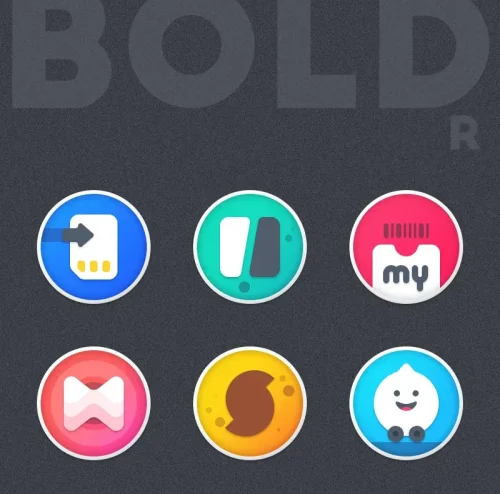
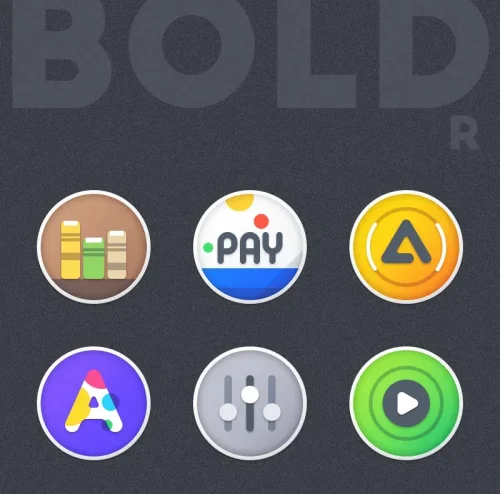
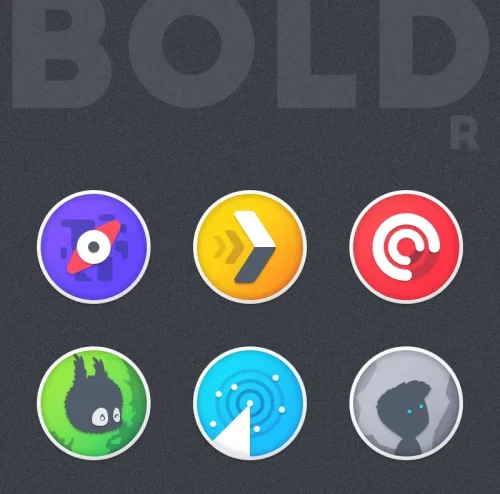
Boldr Icon Pack is a personalization app that transforms the look of Android devices with its unique icon designs and vibrant color palette, offering a premium aesthetic upgrade for users seeking a change from the standard interface.
The app provides a comprehensive UI transformation with a consistent design language, featuring bold outlines and saturated colors that ensure a stylish and functional home screen, suitable for both casual users and customization enthusiasts.
Boldr Icon Pack includes a large library of icons, high-definition quality graphics, and dynamic calendar support, making it a versatile tool for creating a personalized setup, with compatibility across major Android launchers and a curated selection of complementary wallpapers.
The app is designed to be user-friendly, with a simple installation process and a dedicated dashboard for browsing and applying icons, allowing users to customize their interface with a professional and uniform look, and with regular updates, it continues to grow and improve its functionality.
Boldr Icon Pack FAQ
What do I get in Boldr Icon Pack 3.1.0?
Full Version. The package is 58.2 MB and runs on any Android device the current release still supports; the version on this page was published on October 26, 2026.
Is this the original Boldr Icon Pack file from Google Play?
No. APKFORGE republishes a modified build, so the signature differs from the store version and some online features may behave differently. Install it only if you accept that trade-off.
Which Android version do I need for Boldr Icon Pack?
The requirement changes between devices, so the Play Store listing for the current build is the reliable reference. On devices that are too old the package installs but usually closes as soon as it opens.
Why does it say "App not installed"?
Almost always a signature clash: uninstall the Play Store copy of Boldr Icon Pack first, then install this APK. Clearing leftover data of the old install solves the rest.
Where is the download link?
Use the Download button above or the sticky bar at the bottom. It opens the download page for Boldr Icon Pack, where the mirror and the 58.2 MB file are listed - nothing else is required.