
Docs Viewer

Docs Viewer MOD APK 18.0.2: Optimized/Lite

Docs Viewer 18.0.2 is a app for Android, published by Melting Source. This build carries Optimized/Lite and weighs 7.9 MB. The mirror below is checked before it goes live, and nothing has to be signed up for.

App Name Docs Viewer
Publisher Melting Source
Genre Productivity
Size 7.9 MB
Latest Version 18.0.2
Requires Android Varies with device
MOD Info Optimized/Lite
Unlocked Features−
  • Ads Removed / Disabled.
  • Ads Related Activity & Code Removed / Disabled.
  • Ads Related Layouts Visibility Gone.
  • Analytics / Crashlytics Removed / Disabled.
  • Receivers and Services Removed / Disabled.
  • Google Play Store Install Package Check Disable.
  • Play Services, Transport, Firebase Properties Removed.
  • All Unnecessary Garbage Folder & File Removed.
  • Duplicate Dpi Item Remove Like:
  • – Bar Length, Drawable Size, Gap Between Bars.
Setup Guide−
  • Tap the Download button above to open the download page, then pick a mirror to start the file.
  • Open Settings → Security → Install unknown apps, enable for your browser / file manager.
  • Open the APK file from the notification bar, then tap Install.
  • Uninstall the original version (Google Play) first if present, to avoid signature conflict.

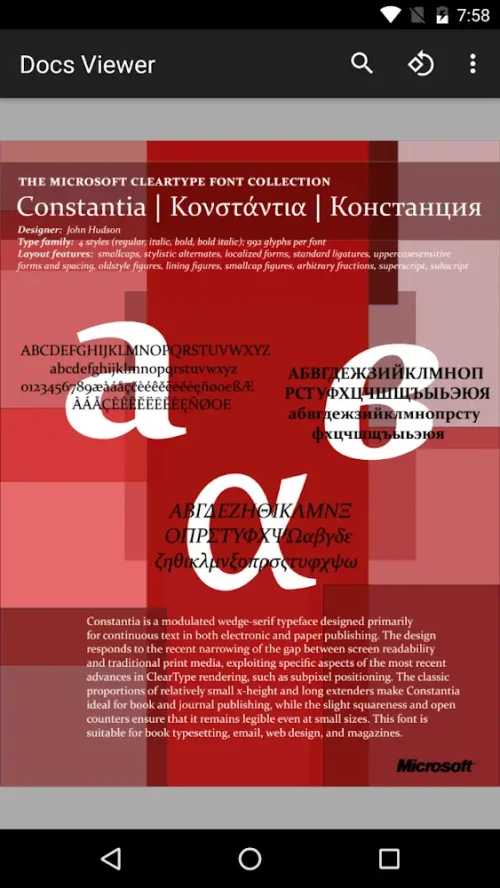
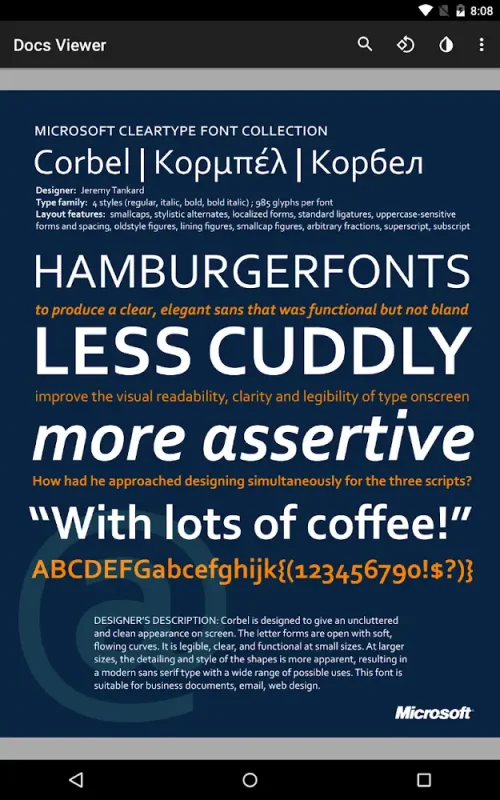
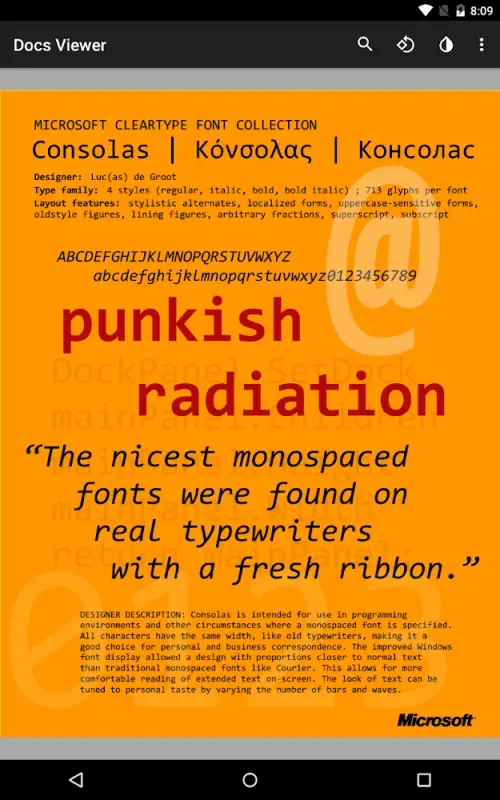
The Docs Viewer app is a productivity tool designed for users who need to access and manage their digital file libraries on the go. It supports various file types, including technical files, XPS files, and graphic files, making it a versatile solution for different needs.

The app's optimized and lite version, weighing 7.9 MB, provides a streamlined user experience by removing advertisements and tracking components. This results in improved performance and a more efficient use of resources.

Docs Viewer is geared towards individuals who require a reliable and efficient way to view and manage digital documents, such as students, professionals, and researchers. Its features, including zooming, markup tools, and a smart library system, facilitate a comfortable and flexible user experience.

The app's ability to handle high-resolution graphics and large files makes it an ideal solution for designers and professionals who need to access complex documents on their mobile devices. With its universal format support and optimized performance, Docs Viewer is a valuable tool for anyone looking to manage their digital files efficiently.
App Screens

Docs Viewer FAQ

What do I get in Docs Viewer 18.0.2?

Optimized/Lite. The package is 7.9 MB and runs on any Android device the current release still supports; the version on this page was published on September 10, 2026.

Is this the original Docs Viewer file from Google Play?

No. APKFORGE republishes a modified build, so the signature differs from the store version and some online features may behave differently. Install it only if you accept that trade-off.

Which Android version do I need for Docs Viewer?

The requirement changes between devices, so the Play Store listing for the current build is the reliable reference. On devices that are too old the package installs but usually closes as soon as it opens.

Why does it say "App not installed"?

Almost always a signature clash: uninstall the Play Store copy of Docs Viewer first, then install this APK. Clearing leftover data of the old install solves the rest.

Where is the download link?

Use the Download button above or the sticky bar at the bottom. It opens the download page for Docs Viewer, where the mirror and the 7.9 MB file are listed - nothing else is required.

Docs Viewer MOD APK 18.0.2: Optimized/Lite

☆☆☆☆☆ 0/5 (0 votes) · jadi yang pertama menilai

More in Apps