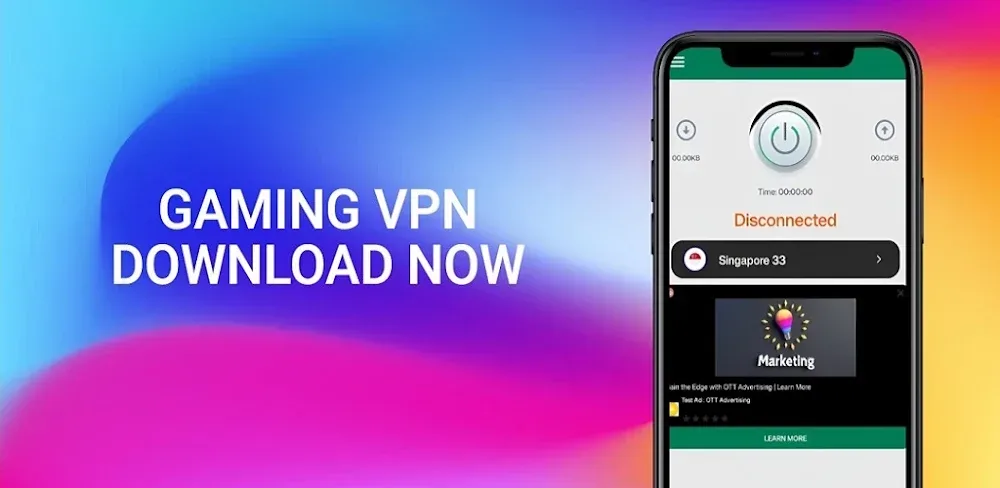
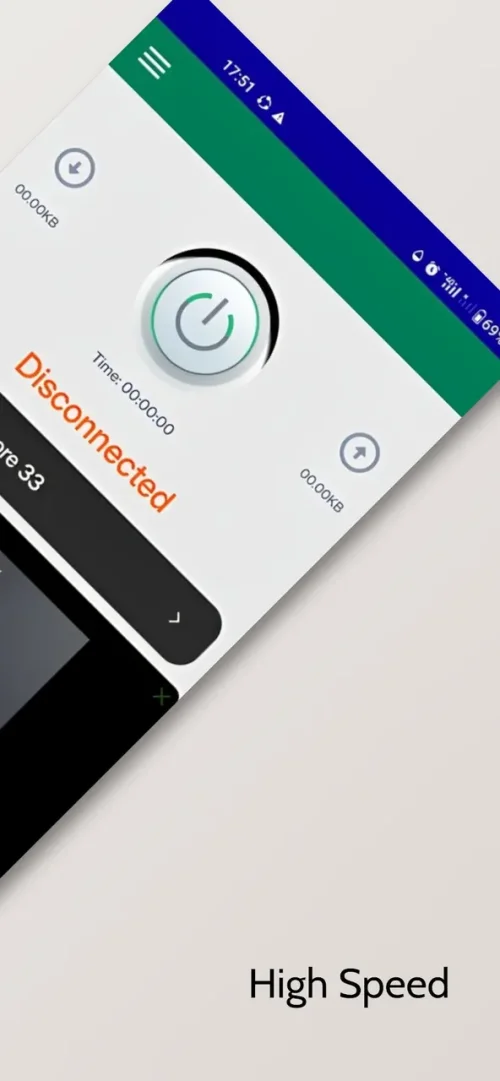
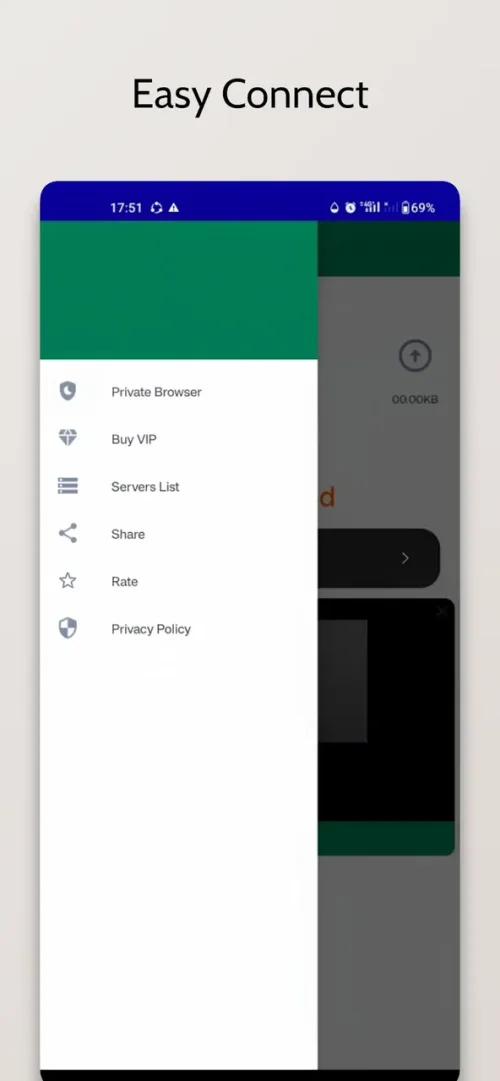
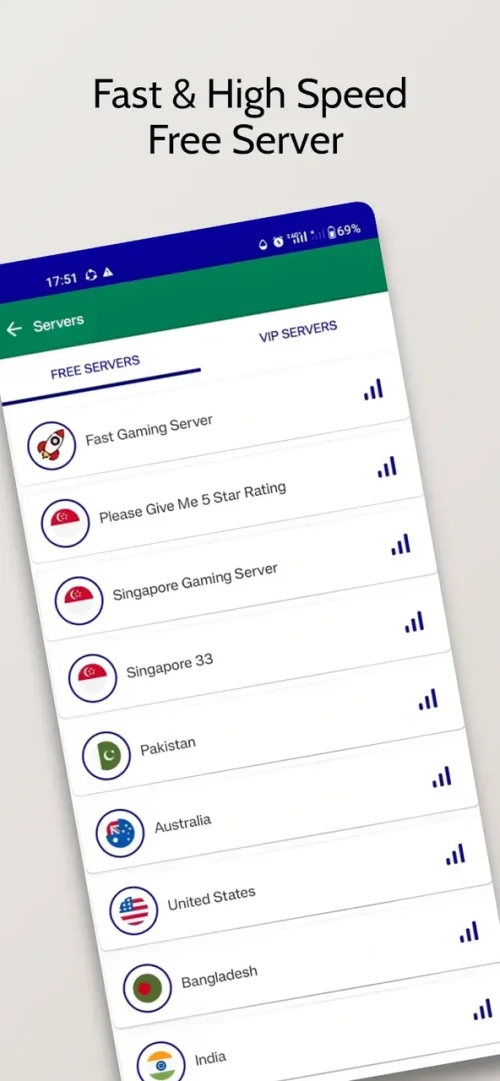
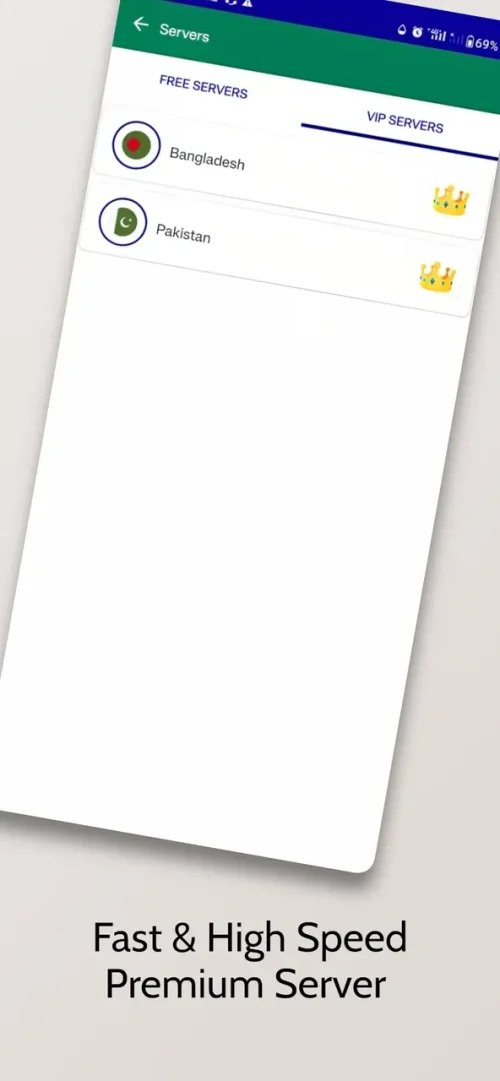
Gaming VPN - Lower Ping Vpn is a tool designed to enhance the mobile gaming experience by providing a fast and reliable connection. It is particularly useful for gamers who face network stability issues and lag spikes that can affect their performance.
The app offers a range of features, including Ultra-Low Latency and a Global Server Network, which work together to optimize latency and reduce ping. This allows gamers to play on international servers and compete against friends in different regions.
The Gaming VPN - Lower Ping Vpn app prioritizes data management and security, offering Unlimited Bandwidth and Data, as well as Military-Grade Security to protect users from DDoS attacks and malicious trackers. The interface is simple and easy to use, with a One-Tap Optimization feature to secure connections and improve internet speed.
The app is designed to work efficiently in the background, minimizing battery and CPU drain on mobile devices. With its Premium Unlocked feature, version 60.26 of Gaming VPN - Lower Ping Vpn provides a comprehensive suite of network optimization tools to help gamers achieve a competitive edge and enjoy a seamless gaming experience.
Gaming VPN - Lower Ping Vpn FAQ
What do I get in Gaming VPN - Lower Ping Vpn 60.26?
Premium Unlocked. The package is 12.7 MB and runs on any Android device the current release still supports; the version on this page was published on October 19, 2026.
Is this the original Gaming VPN - Lower Ping Vpn file from Google Play?
No. APKFORGE republishes a modified build, so the signature differs from the store version and some online features may behave differently. Install it only if you accept that trade-off.
Which Android version do I need for Gaming VPN - Lower Ping Vpn?
The requirement changes between devices, so the Play Store listing for the current build is the reliable reference. On devices that are too old the package installs but usually closes as soon as it opens.
Why does it say "App not installed"?
Almost always a signature clash: uninstall the Play Store copy of Gaming VPN - Lower Ping Vpn first, then install this APK. Clearing leftover data of the old install solves the rest.
Where is the download link?
Use the Download button above or the sticky bar at the bottom. It opens the download page for Gaming VPN - Lower Ping Vpn, where the mirror and the 12.7 MB file are listed - nothing else is required.