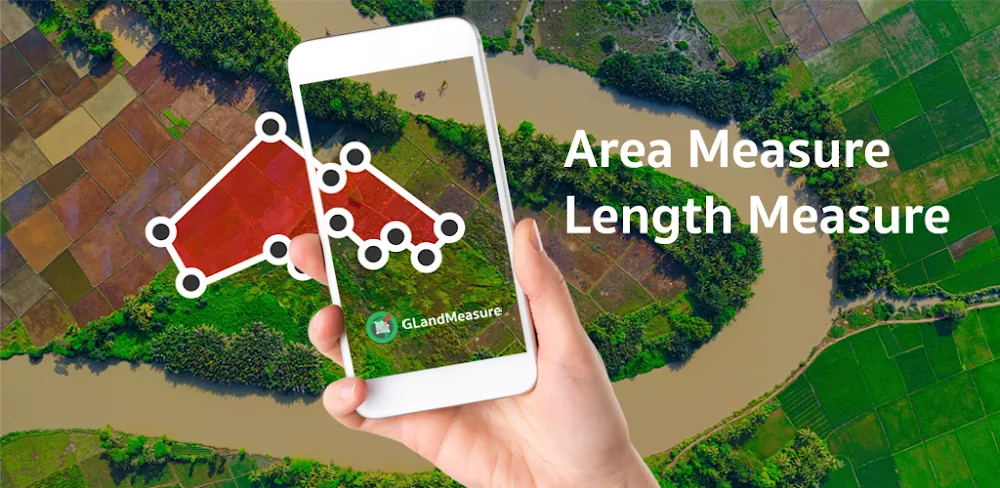
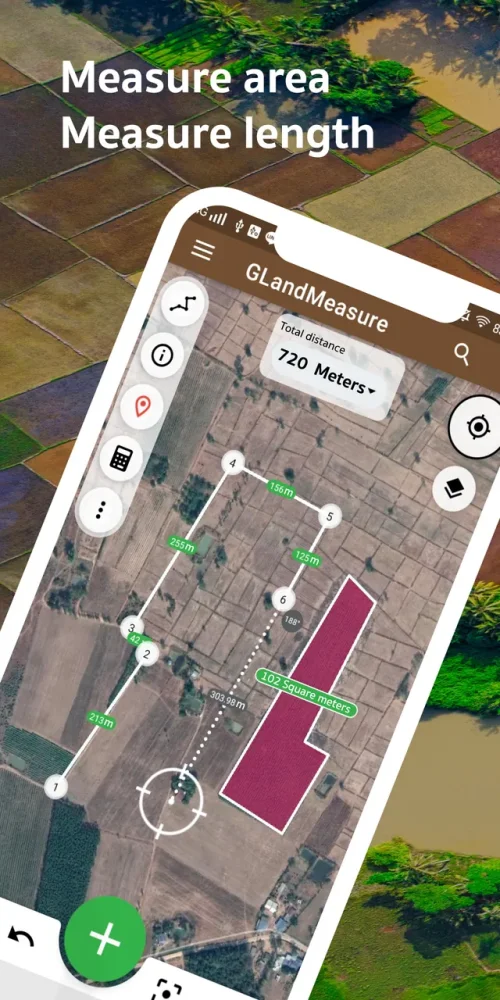
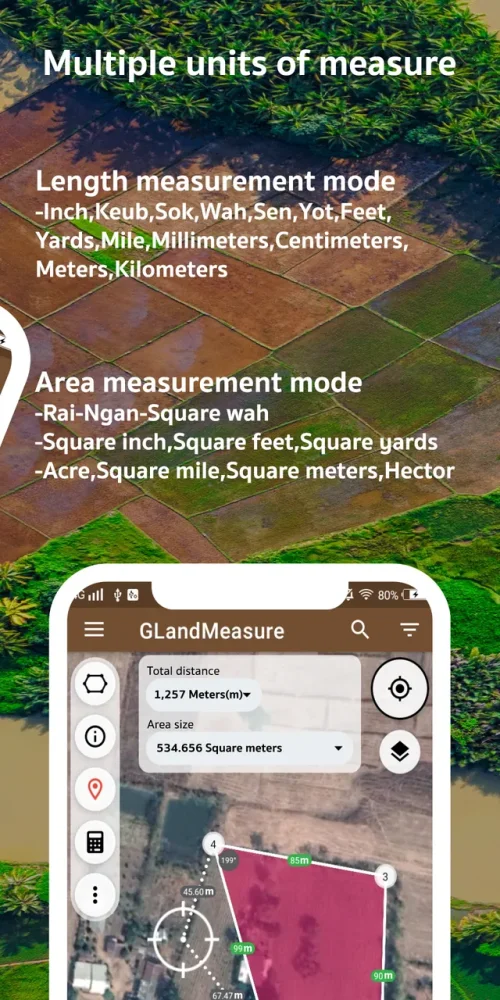
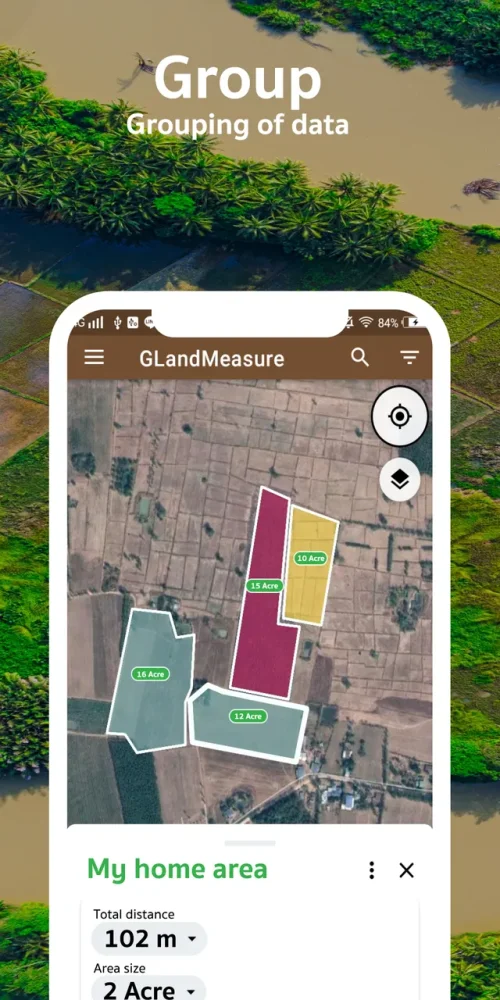
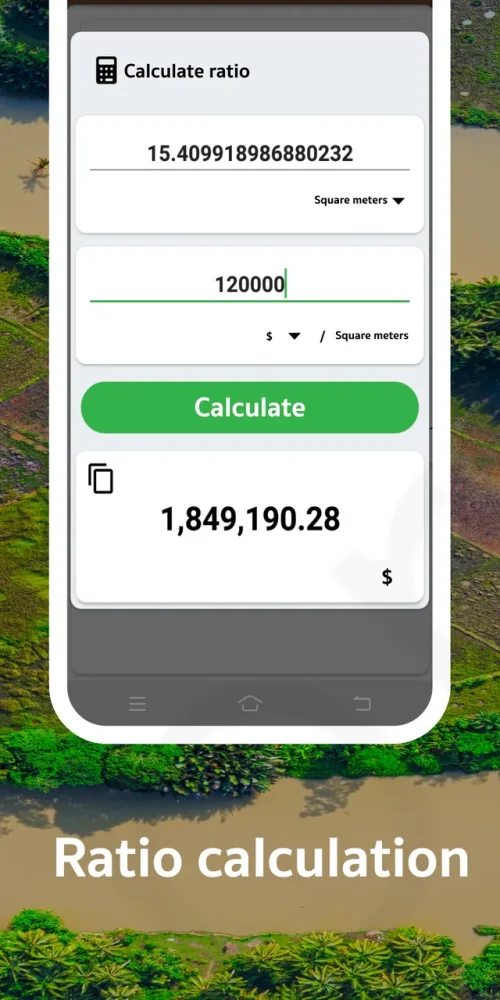
The GLand Measure app is a tool designed to calculate land area and distance with precision, utilizing advanced GPS technology to provide reliable results. It is suitable for various users, including real estate agents, farmers, and outdoor enthusiasts who need to track their daily routes.
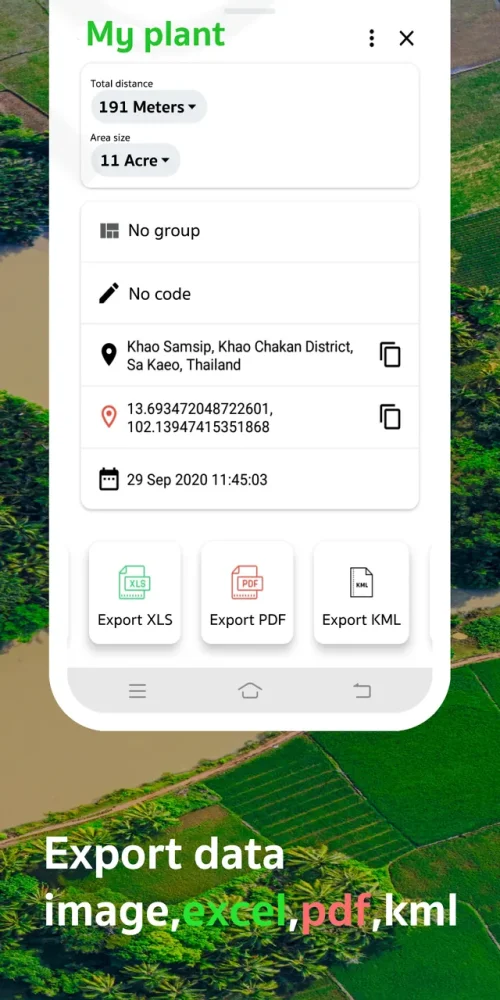
The app offers intuitive operation and powerful functionality, allowing users to define boundaries with accuracy and calculate distances between landmarks or area sizes for future developments. It also features a database to save measurements with timestamps.
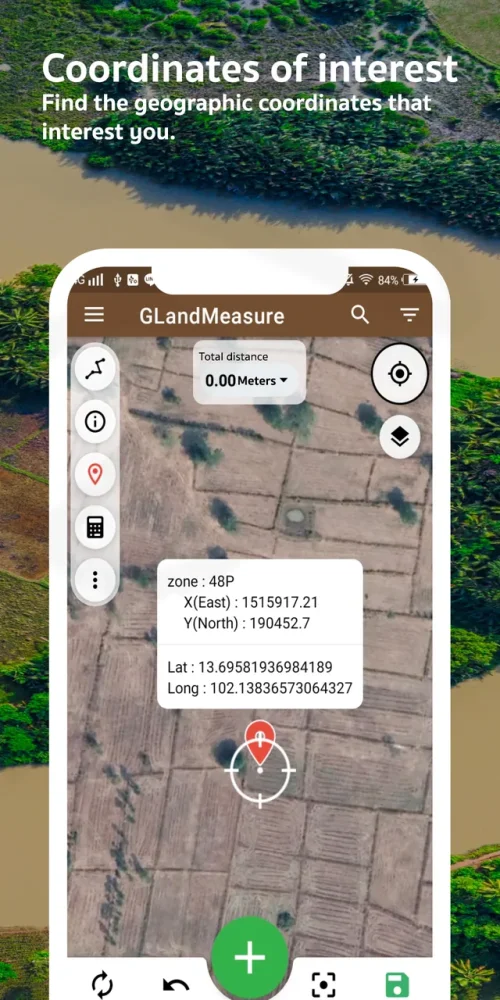
GLand Measure provides two primary methods for calculating areas and distances: the Walk Method, which involves moving along the perimeter of a field to map it out, and the Tap Method, which allows users to drop pins on high-resolution maps. The app also includes a coordinate conversion system.
The GLand Measure app is a comprehensive land management ecosystem that combines GPS technology with professional-grade export features and an easy-to-use interface, making it a reliable mobile surveying companion for various industries, including construction and farming.
GLand Measure FAQ
What do I get in GLand Measure 3.29.0?
Premium Unlocked. The package is 28.9 MB and runs on any Android device the current release still supports; the version on this page was published on July 15, 2026.
Is this the original GLand Measure file from Google Play?
No. APKFORGE republishes a modified build, so the signature differs from the store version and some online features may behave differently. Install it only if you accept that trade-off.
Which Android version do I need for GLand Measure?
The requirement changes between devices, so the Play Store listing for the current build is the reliable reference. On devices that are too old the package installs but usually closes as soon as it opens.
Why does it say "App not installed"?
Almost always a signature clash: uninstall the Play Store copy of GLand Measure first, then install this APK. Clearing leftover data of the old install solves the rest.
Where is the download link?
Use the Download button above or the sticky bar at the bottom. It opens the download page for GLand Measure, where the mirror and the 28.9 MB file are listed - nothing else is required.