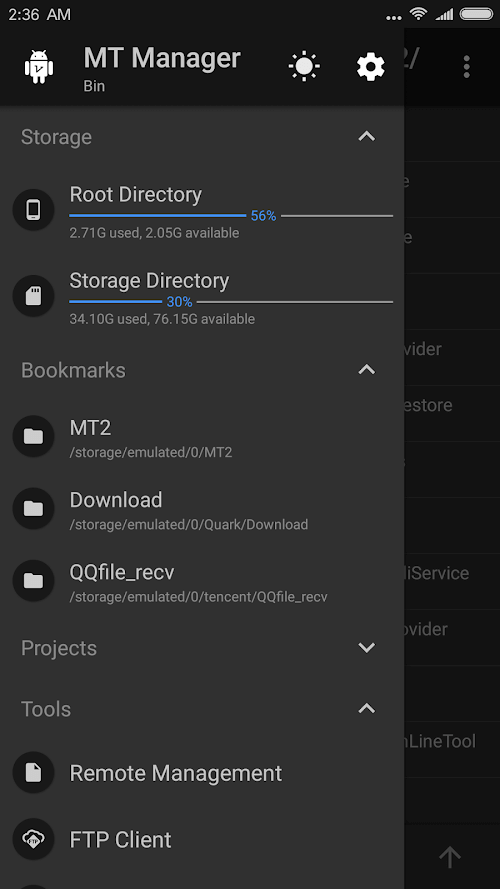
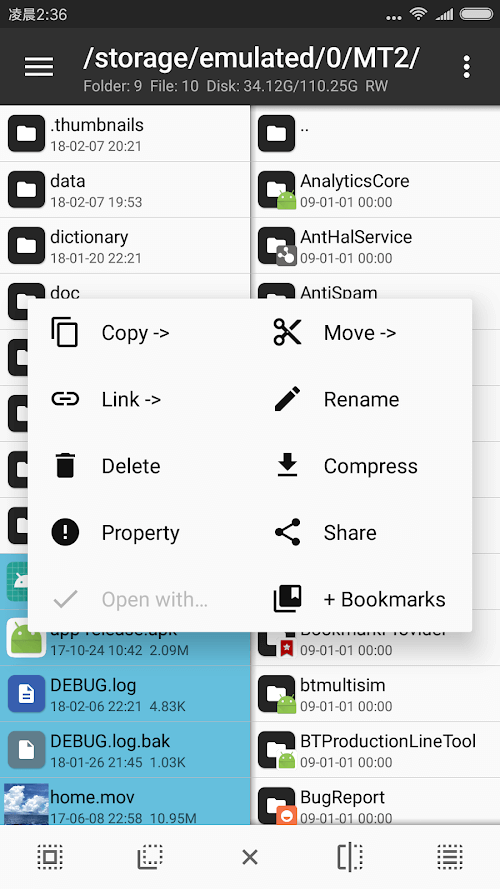
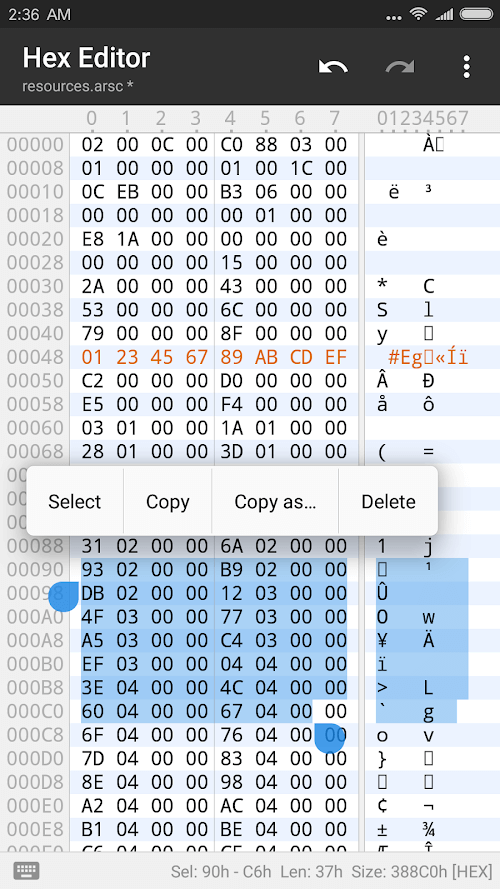
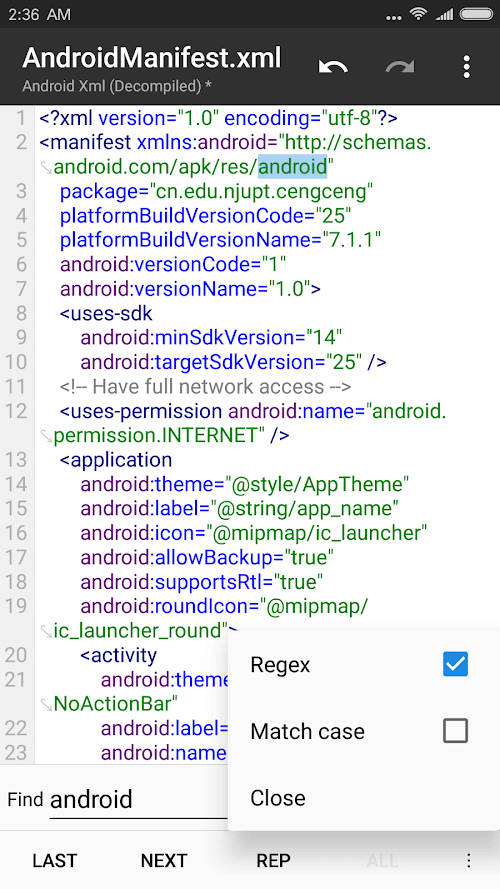
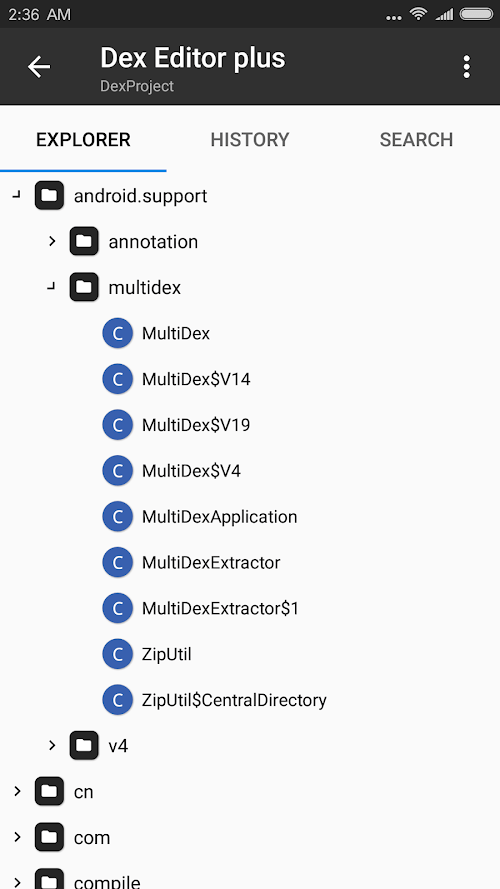
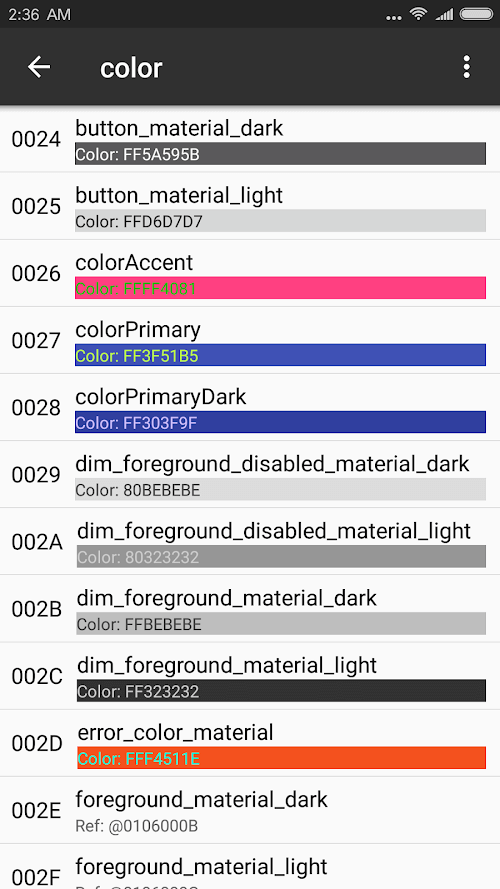
MT Manager is a tool designed to manage files and device structure with ease, allowing users to copy and handle folders efficiently. It also provides a built-in editor for editing apk files, making it a valuable resource for coders working on mobile platforms.
MT Manager features a modern and user-friendly interface that is easy to navigate, with optimized user interactions and customizable options for a comfortable experience.
The application serves as a comprehensive file manager, replacing the default file manager on devices and providing advanced features for handling various content types, including multimedia and applications.
MT Manager offers a range of features, including a program editor, file scanning, and linking to external memory, making it a versatile tool for managing files and editing apk files, suitable for both general users and coders alike.
MT Manager FAQ
What do I get in MT Manager 2.36.10?
VIP Unlocked. The package is 37.8 MB and runs on any Android device the current release still supports; the version on this page was published on November 4, 2026.
Is this the original MT Manager file from Google Play?
No. APKFORGE republishes a modified build, so the signature differs from the store version and some online features may behave differently. Install it only if you accept that trade-off.
Which Android version do I need for MT Manager?
The requirement changes between devices, so the Play Store listing for the current build is the reliable reference. On devices that are too old the package installs but usually closes as soon as it opens.
Why does it say "App not installed"?
Almost always a signature clash: uninstall the Play Store copy of MT Manager first, then install this APK. Clearing leftover data of the old install solves the rest.
Where is the download link?
Use the Download button above or the sticky bar at the bottom. It opens the download page for MT Manager, where the mirror and the 37.8 MB file are listed - nothing else is required.