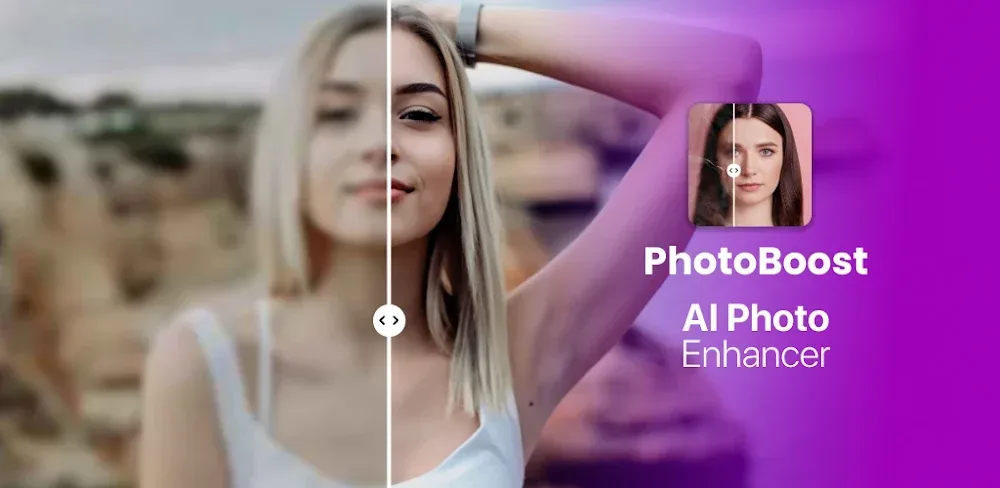
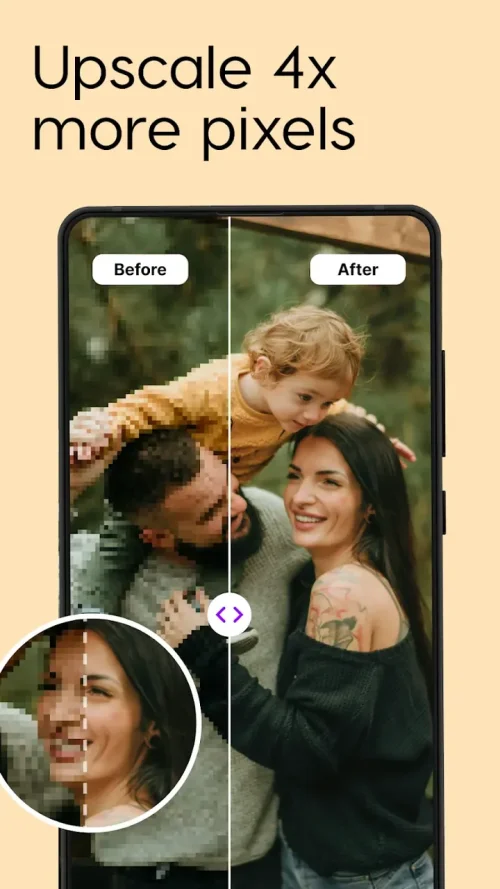
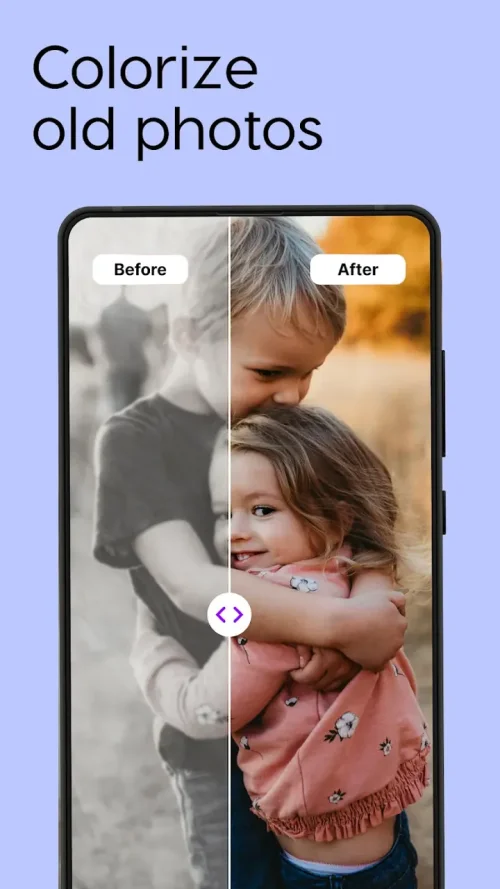
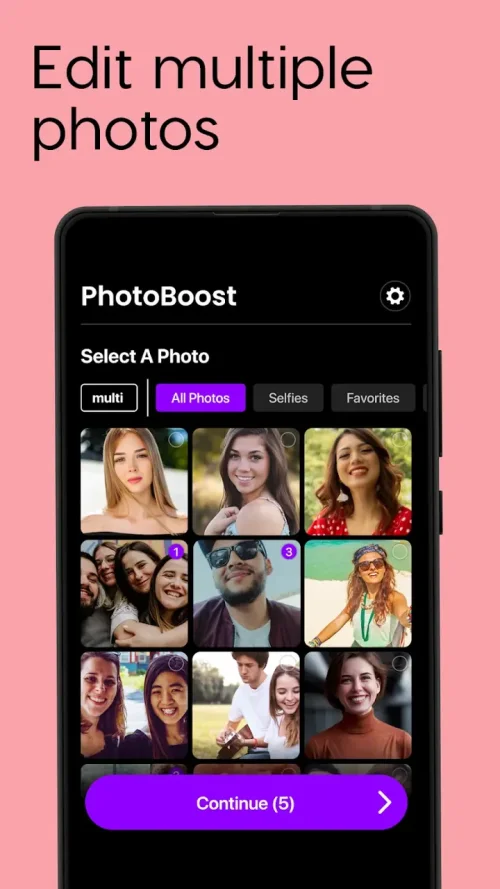
PhotoBoost - AI Photo Enhancer is a photography tool designed to address common issues with digital and print photos, such as pixelation and blur, by utilizing an AI-powered enhancement engine.
The app's core functionality is centered around its One-Tap Enhance feature, which leverages a high-level neural network to analyze and improve image quality, making it accessible to users without requiring extensive photo editing knowledge.
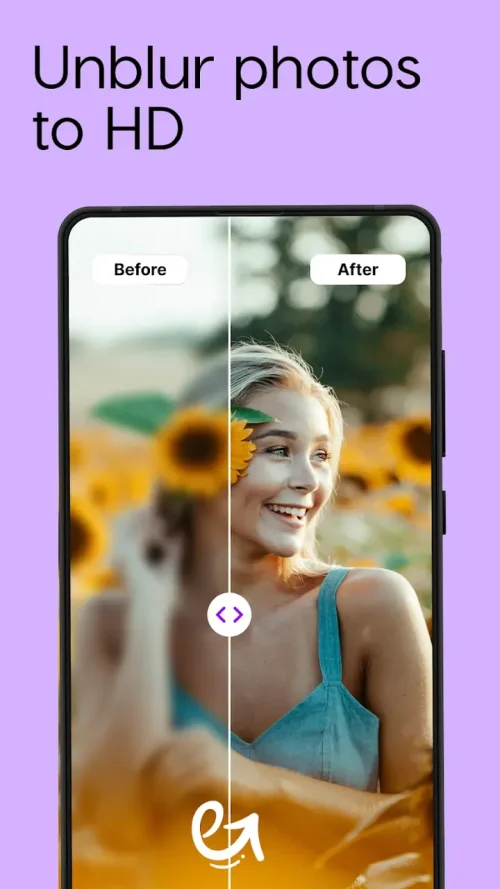
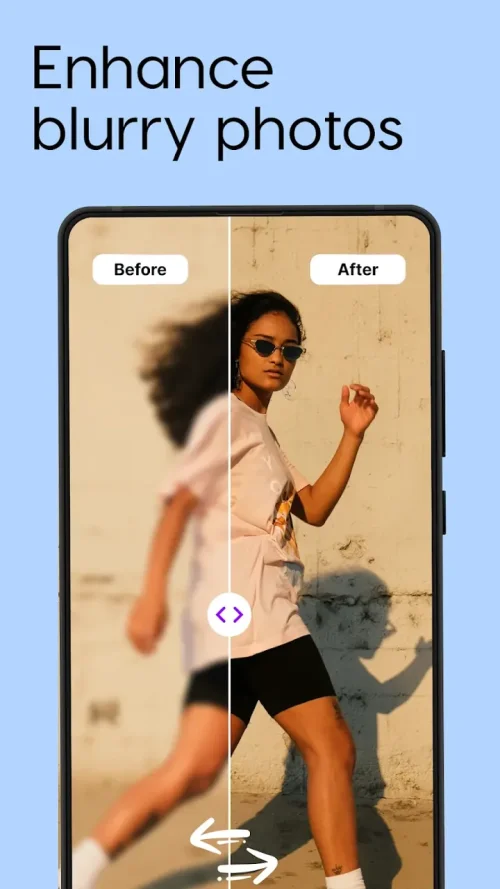
PhotoBoost offers various modules for photo restoration, including Advance AI Image Upscaling and Intelligent Blur Removal, which enable users to enhance low-resolution images and restore details, making them suitable for large-scale printing or digital display.
The app caters to a range of users, from those interested in historical preservation to contemporary creatives, providing features like Vintage Photo Restoration, AI Colorization, and Artistic AI Avatars, all of which can be fine-tuned using manual adjustment tools and exported in higher resolution.
PhotoBoost - AI Photo Enhancer FAQ
What do I get in PhotoBoost - AI Photo Enhancer 1.99.7?
Premium Unlocked. The package is 68.1 MB and runs on any Android device the current release still supports; the version on this page was published on November 9, 2026.
Is this the original PhotoBoost - AI Photo Enhancer file from Google Play?
No. APKFORGE republishes a modified build, so the signature differs from the store version and some online features may behave differently. Install it only if you accept that trade-off.
Which Android version do I need for PhotoBoost - AI Photo Enhancer?
The requirement changes between devices, so the Play Store listing for the current build is the reliable reference. On devices that are too old the package installs but usually closes as soon as it opens.
Why does it say "App not installed"?
Almost always a signature clash: uninstall the Play Store copy of PhotoBoost - AI Photo Enhancer first, then install this APK. Clearing leftover data of the old install solves the rest.
Where is the download link?
Use the Download button above or the sticky bar at the bottom. It opens the download page for PhotoBoost - AI Photo Enhancer, where the mirror and the 68.1 MB file are listed - nothing else is required.