Pixly Paint - Icon Pack

Pixly Paint - Icon Pack MOD APK 3.10: Full Version

Pixly Paint - Icon Pack 3.10 is a app for Android, published by Cris87. This build carries Full Version and weighs 129.0 MB. The mirror below is checked before it goes live, and nothing has to be signed up for.

App Name Pixly Paint - Icon Pack
Publisher Cris87
Genre Personalization
Size 129.0 MB
Latest Version 3.10
Requires Android Varies with device
Unlocked Full Version
Unlocked Features−
    Setup Guide−
    • Tap the Download button above to open the download page, then pick a mirror to start the file.
    • Open Settings → Security → Install unknown apps, enable for your browser / file manager.
    • Open the APK file from the notification bar, then tap Install.
    • Uninstall the original version (Google Play) first if present, to avoid signature conflict.

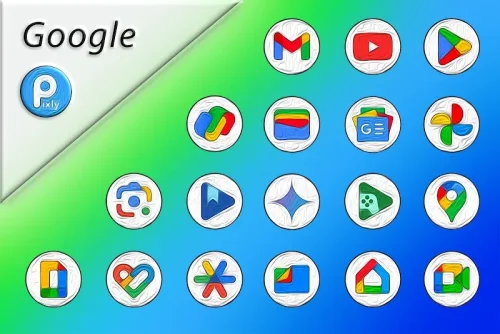
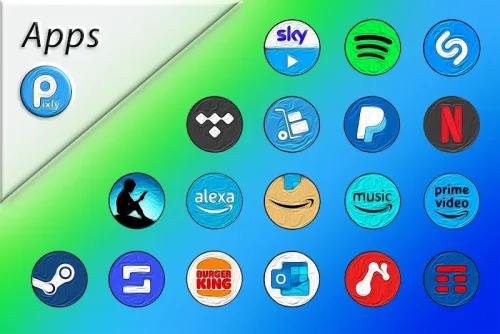
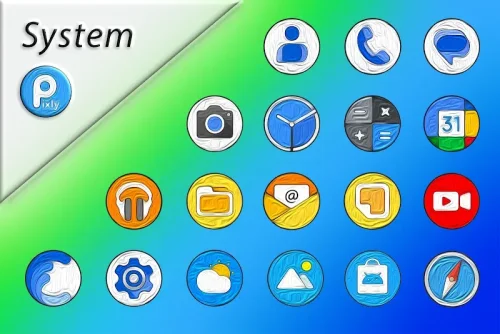
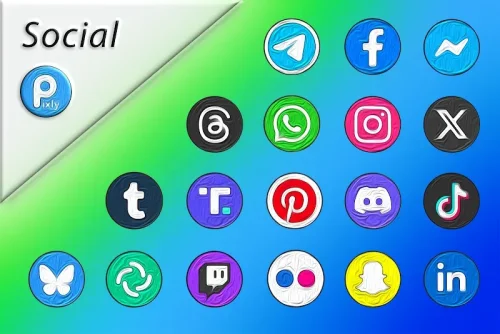
    The Pixly Paint - Icon Pack app offers a unique way to customize your phone's appearance, providing a distinctive look that sets it apart from others. With its oil painting aesthetic, this app allows users to give their phone a creative and artistic feel. By using Pixly Paint, users can add a personal touch to their device.

    Pixly Paint is designed for individuals who want to move beyond standard icon packs and give their phone a more personalized look. The app's proprietary technology ensures that its icons appear bright, vivid, and clear on any device, whether it's a flagship or budget phone. This makes it an excellent choice for those seeking a high-quality icon pack.

    The app's key features include its unique oil painting aesthetic, which gives each icon a hand-painted look, and its stunning high-resolution icons that eliminate the problem of blurry images. Additionally, Pixly Paint offers a customizable library with a wide range of icons, as well as a premium icon request tool and dynamic calendar support.

    By downloading the Pixly Paint - Icon Pack app, users can experience a beautifully modified interface that not only looks great but also adds functionality to their device. The app works with popular launchers and is designed to provide regular updates with new icons, themed wallpapers, and improved performance, making it a great choice for those who want to personalize their Android phone.
    App Screens

    Pixly Paint - Icon Pack FAQ

    What do I get in Pixly Paint - Icon Pack 3.10?

    Full Version. The package is 129.0 MB and runs on any Android device the current release still supports; the version on this page was published on November 9, 2026.

    Is this the original Pixly Paint - Icon Pack file from Google Play?

    No. APKFORGE republishes a modified build, so the signature differs from the store version and some online features may behave differently. Install it only if you accept that trade-off.

    Which Android version do I need for Pixly Paint - Icon Pack?

    The requirement changes between devices, so the Play Store listing for the current build is the reliable reference. On devices that are too old the package installs but usually closes as soon as it opens.

    Why does it say "App not installed"?

    Almost always a signature clash: uninstall the Play Store copy of Pixly Paint - Icon Pack first, then install this APK. Clearing leftover data of the old install solves the rest.

    Where is the download link?

    Use the Download button above or the sticky bar at the bottom. It opens the download page for Pixly Paint - Icon Pack, where the mirror and the 129.0 MB file are listed - nothing else is required.

    Pixly Paint - Icon Pack MOD APK 3.10: Full Version

    ☆☆☆☆☆ 0/5 (0 votes) · jadi yang pertama menilai

    More in Apps