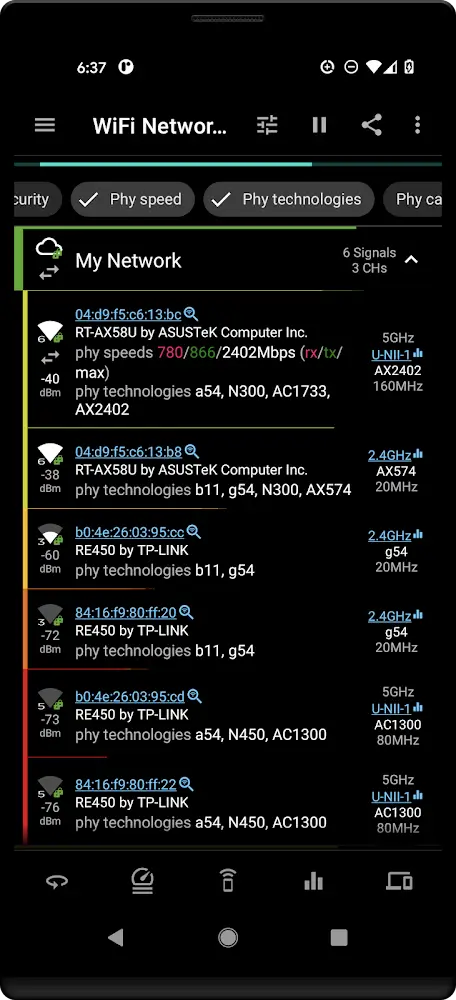
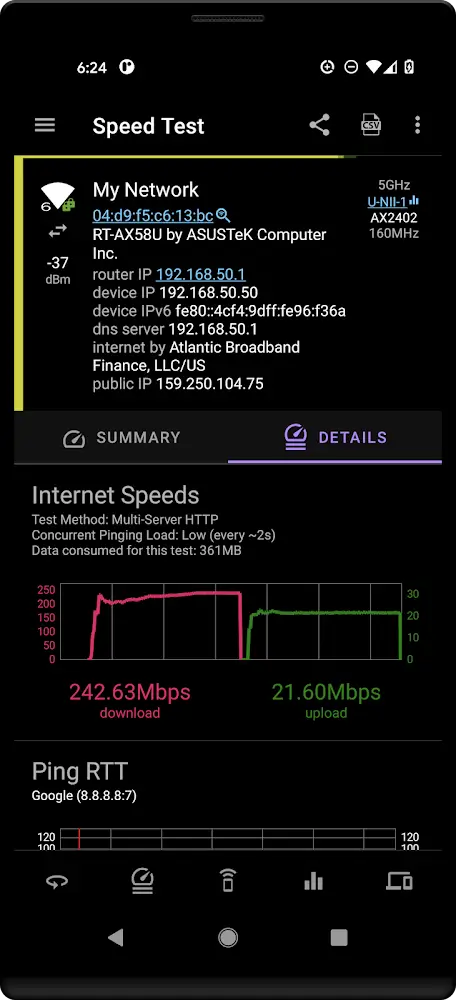
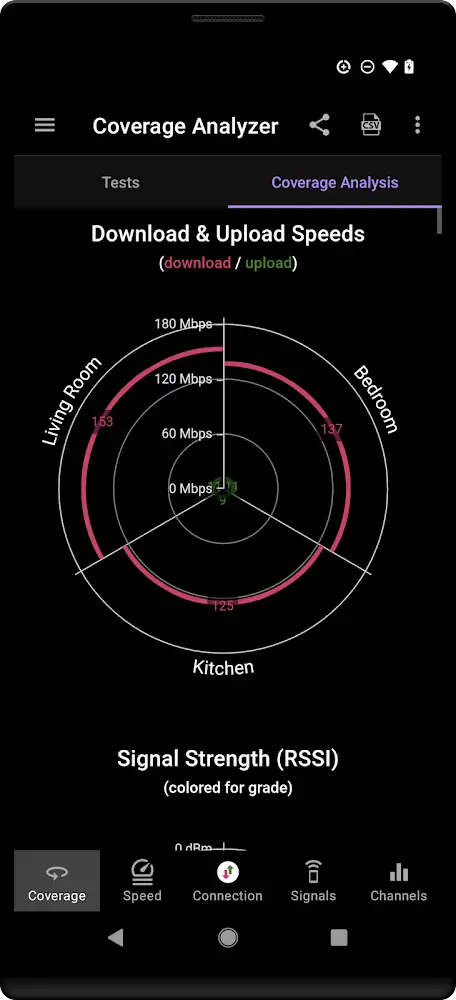
Speed Test WiFi Analyzer is a tool designed to help users optimize their wireless connections. It provides detailed insights into network performance, making it suitable for various individuals, including gamers and professionals who require reliable internet connectivity.
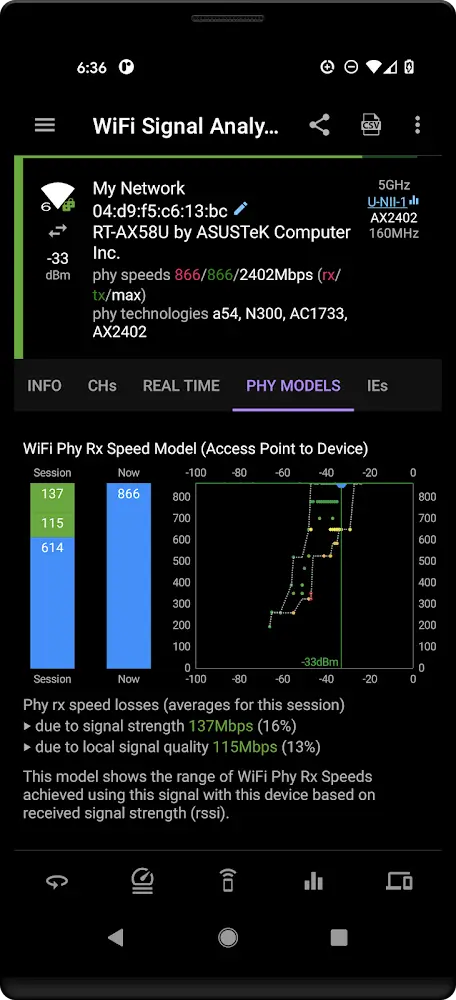
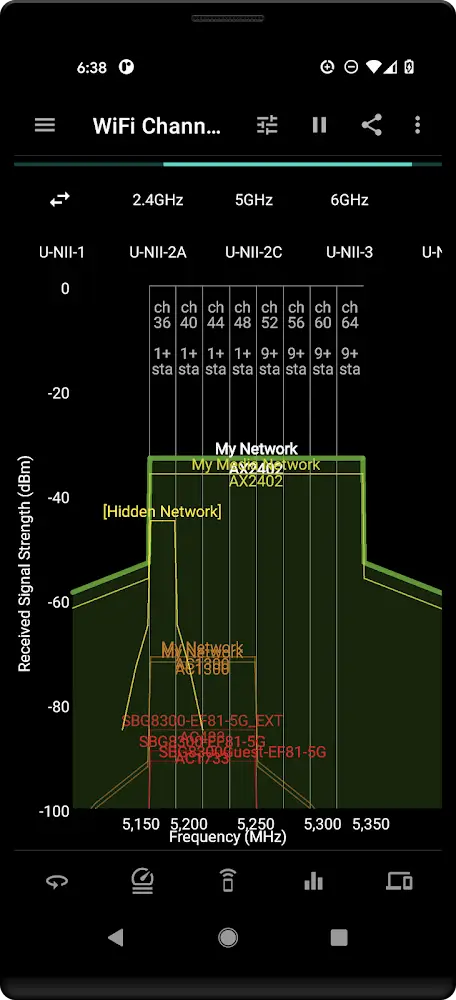
The app offers a range of diagnostic tools that go beyond basic speed tests, allowing users to analyze their network environment and identify areas for improvement. This includes visualizing channel usage and analyzing ping and jitter to troubleshoot connection issues.
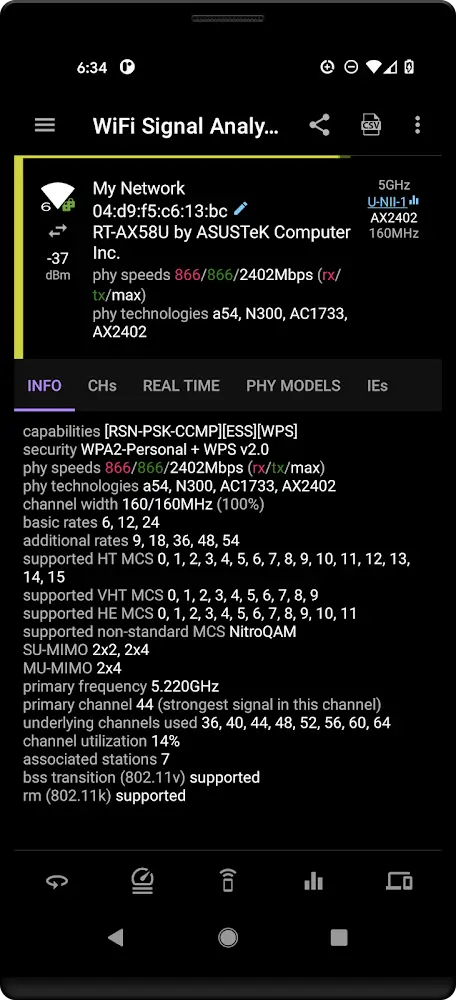
The user interface is intuitive and caters to both beginners and advanced users, providing a quick overview of signal strength and speeds, as well as more detailed information on WiFi standards and vendor details. The app also includes a feature that interprets complex network data and provides actionable advice on improving connectivity.
By utilizing Speed Test WiFi Analyzer, users can take control of their wireless environment, addressing issues such as lag and dead zones to ensure optimal network performance. The app is a useful companion for anyone seeking to improve their internet experience, offering a comprehensive set of tools to diagnose and resolve connectivity problems.
Speed Test WiFi Analyzer (analiti) FAQ
What do I get in Speed Test WiFi Analyzer (analiti) 2026.10.99134?
Premium Unlocked. The package is 15.2 MB and runs on any Android device the current release still supports; the version on this page was published on October 29, 2026.
Is this the original Speed Test WiFi Analyzer (analiti) file from Google Play?
No. APKFORGE republishes a modified build, so the signature differs from the store version and some online features may behave differently. Install it only if you accept that trade-off.
Which Android version do I need for Speed Test WiFi Analyzer (analiti)?
The requirement changes between devices, so the Play Store listing for the current build is the reliable reference. On devices that are too old the package installs but usually closes as soon as it opens.
Why does it say "App not installed"?
Almost always a signature clash: uninstall the Play Store copy of Speed Test WiFi Analyzer (analiti) first, then install this APK. Clearing leftover data of the old install solves the rest.
Where is the download link?
Use the Download button above or the sticky bar at the bottom. It opens the download page for Speed Test WiFi Analyzer (analiti), where the mirror and the 15.2 MB file are listed - nothing else is required.